How Gleam Works
PRODUCT TOUR
Gleam is an intuitive browser-based data-entry assistant for research sites.
It learns the EDC, fetches eSource, fills CRFs, and traces back every step for QC.
Learn
Gleam learns CRF data fields from EDC so it can fetch & match source super fast.
It even tracks protocol amendments, so it knows what to relearn automatically.

Quick learn
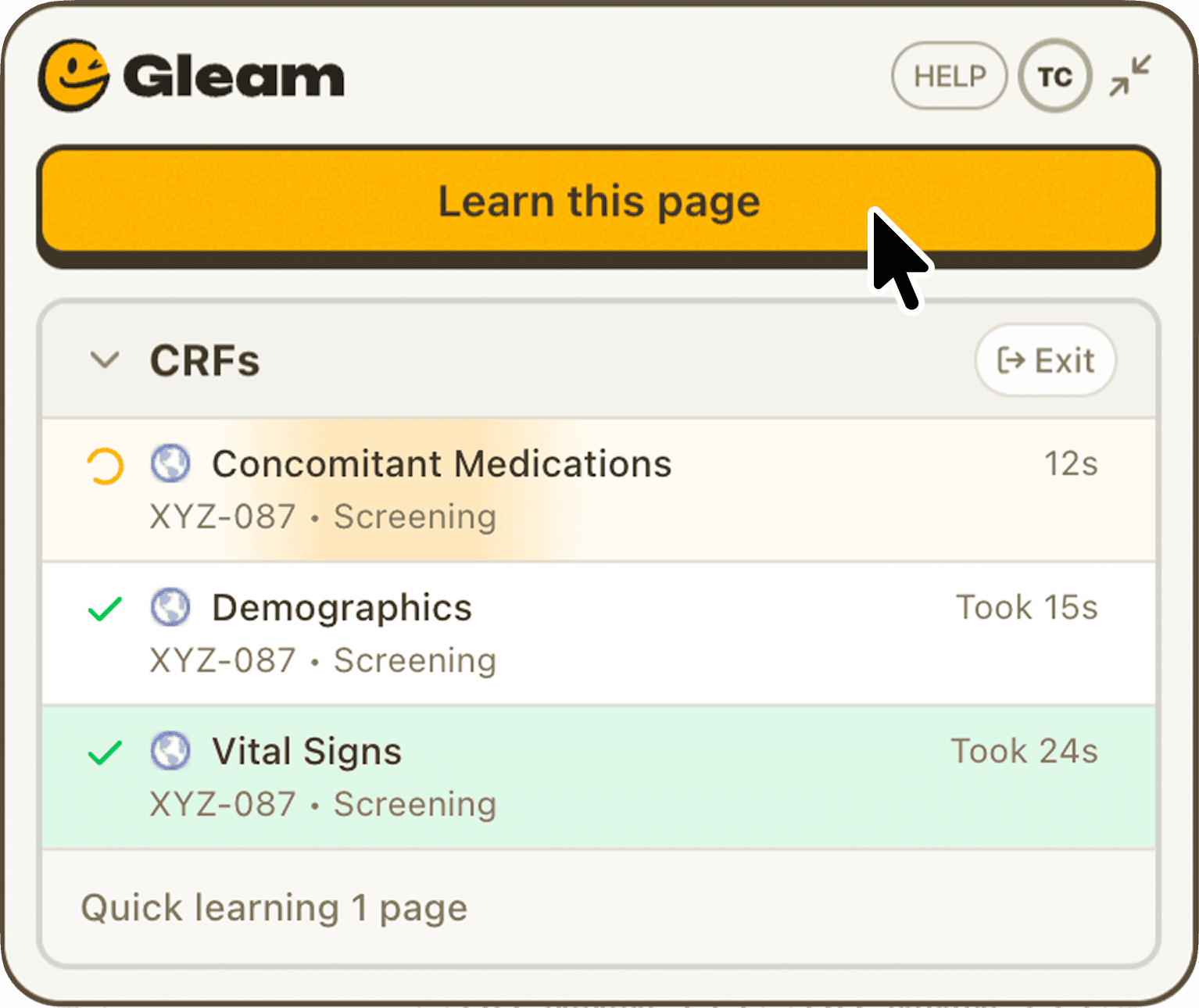
Gleam examines and learns the structure of each CRF page in the EDC.
Queue up multiple CRFs and Gleam learns them in parallel while you work on other tasks.
Deep learn
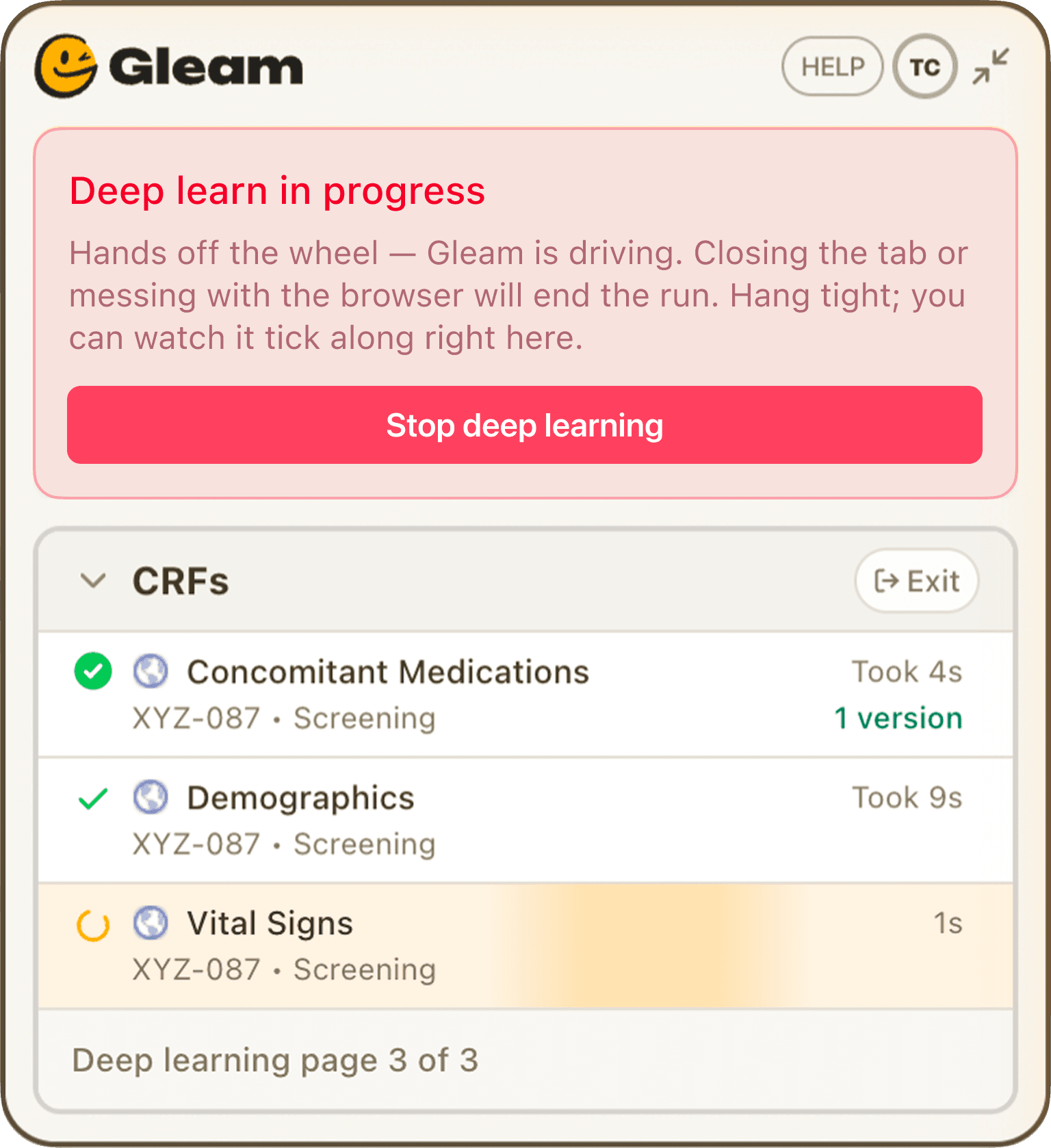
Gleam visibly automatically clicks through interactive form elements to develop a precise understanding of each CRF, enabling Fast Fill for subsequent visits.
Fetch
Gleam works with any browser-based eSource, and support for both PDF & paper source is right around the corner.
Capture eSource
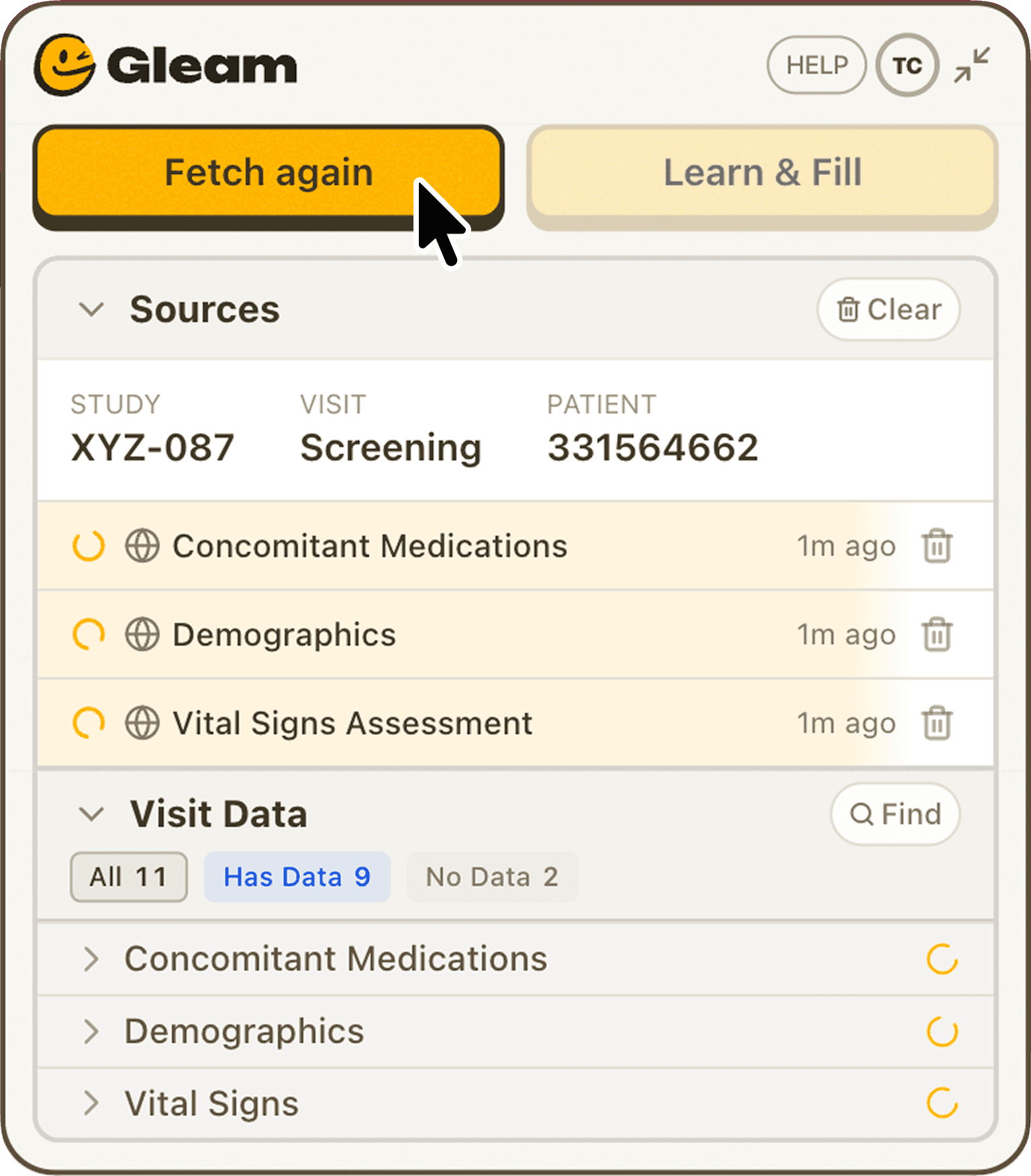
Gleam examines source pages, identifies study, patient, and visit, and queues fetched source for data entry in EDC.
You can even fetch multiple sources simultaneously, then get notified when it’s time for the next step.
Review Inconsistencies
If Gleam encounters data it’s not sure about, it presents its findings for further review and approval.
Gleam can even help you find gaps in your source build, like missing data fields.
Fill
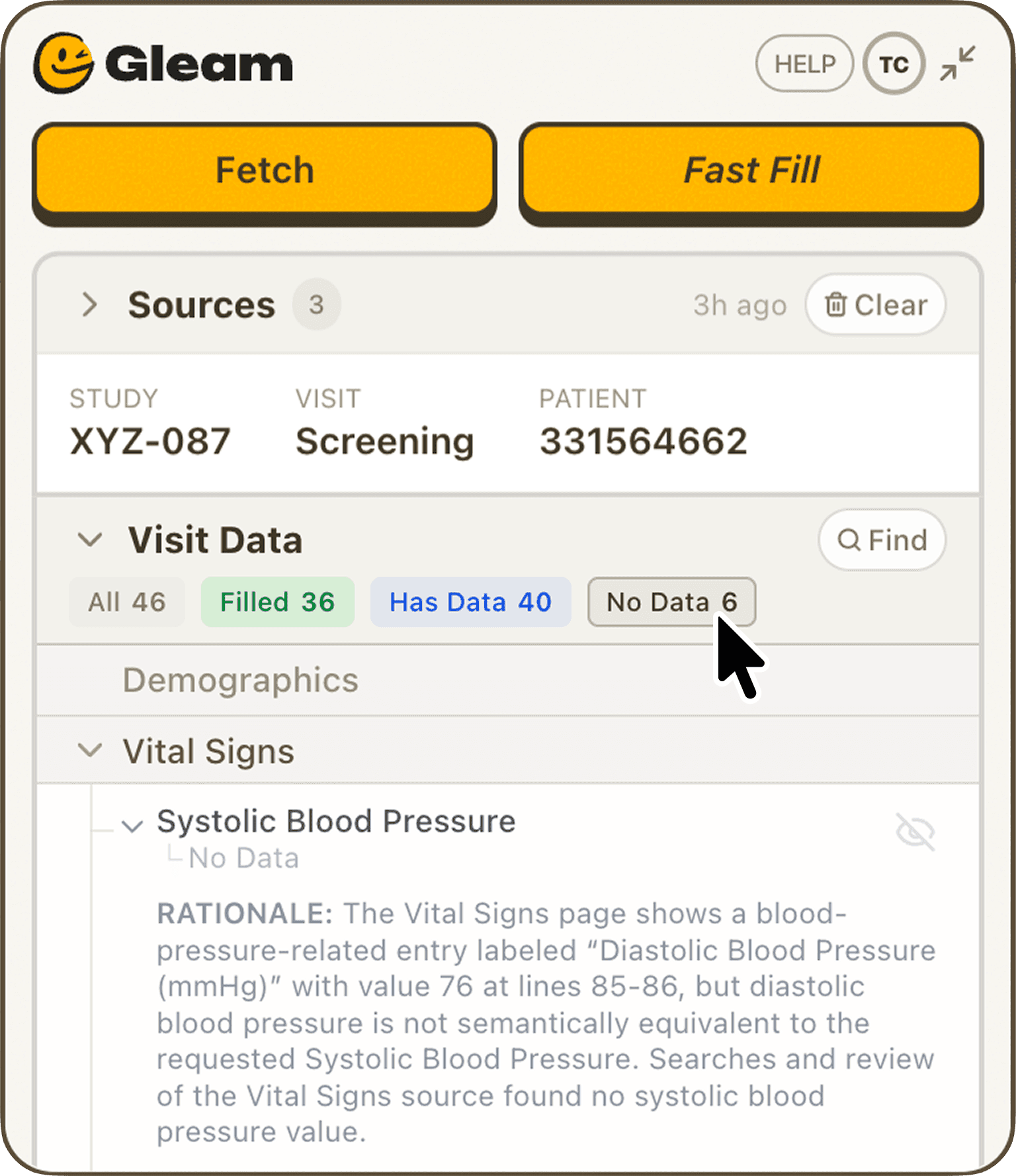
Because Gleam pre-learns patient CRFs, it quickly matches and fills EDC fields with visit data.
Fill CRFs with a click
Gleam automatically fills the EDC with data fetched from source and mapped to the corresponding CRF fields.
Fly through logs
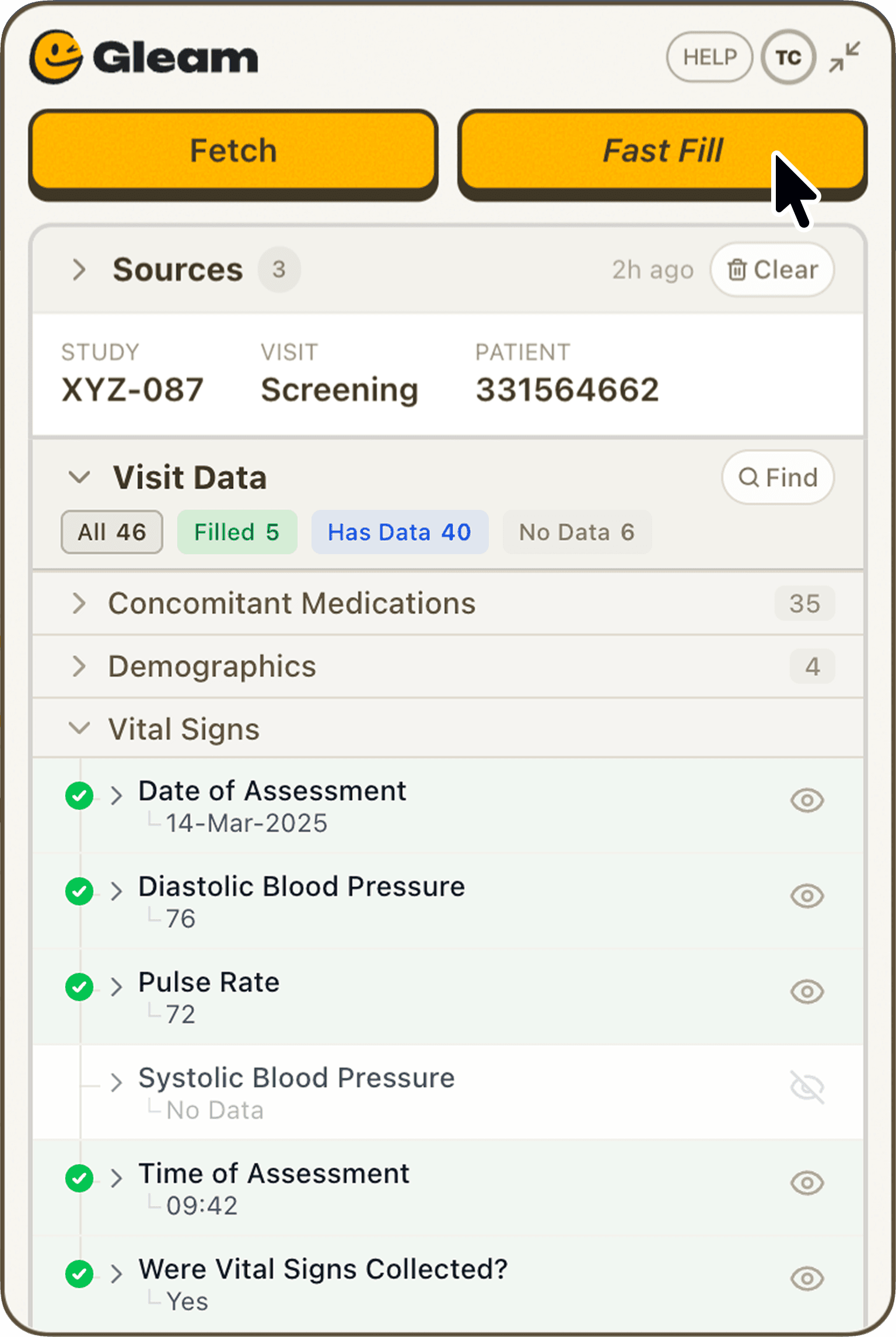
A single visit can produce dozens of concomitant medication entries. Gleam pre-fills logs from the visit record so your team just confirms and moves on.
Coming Soon
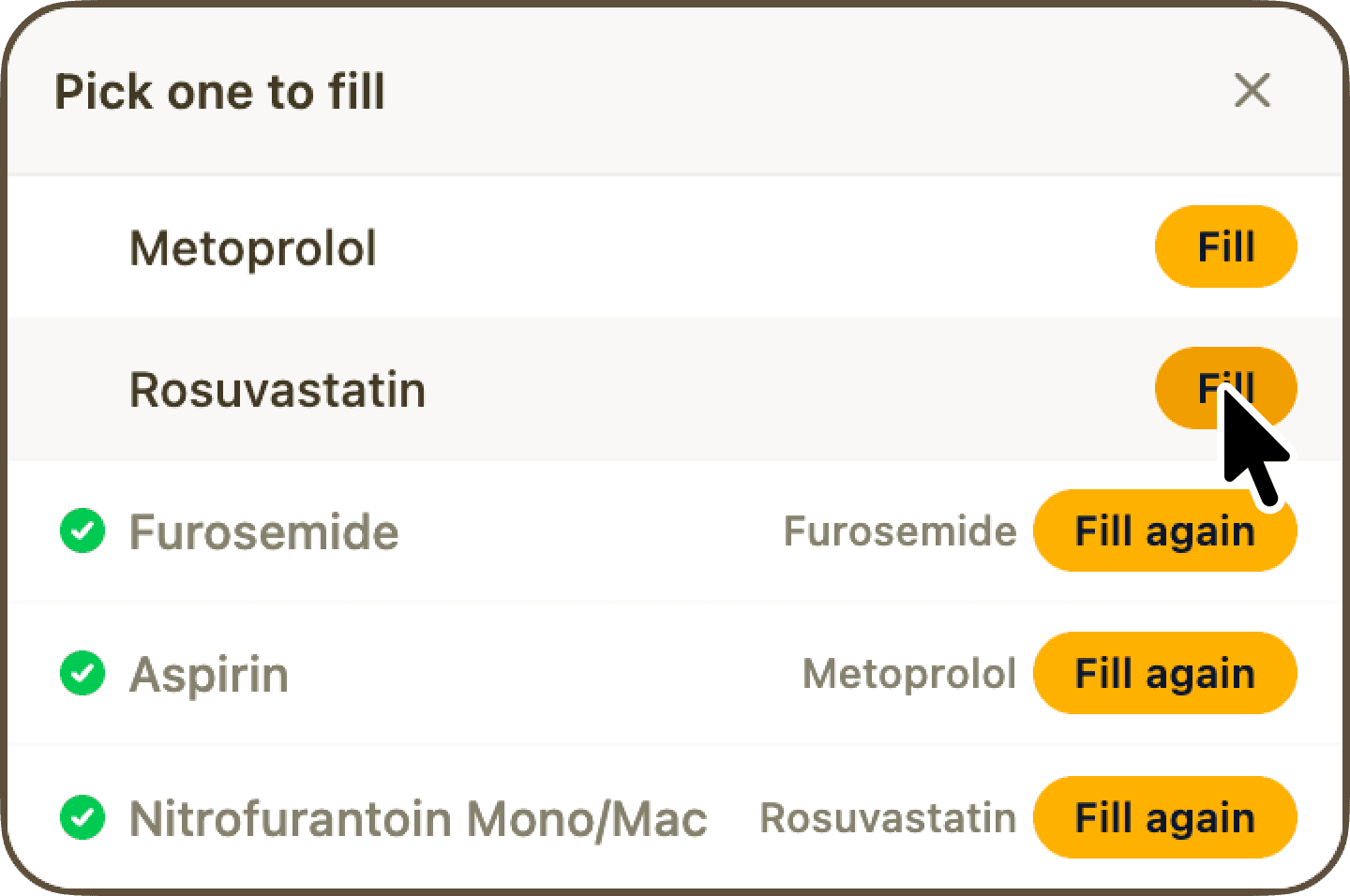
Gleam support for paper & PDF source is almost here! Sign up to find out first.
Trace
Accurately fetching data and filling CRFs is just the baseline. A great data-entry assistant also shows its work.
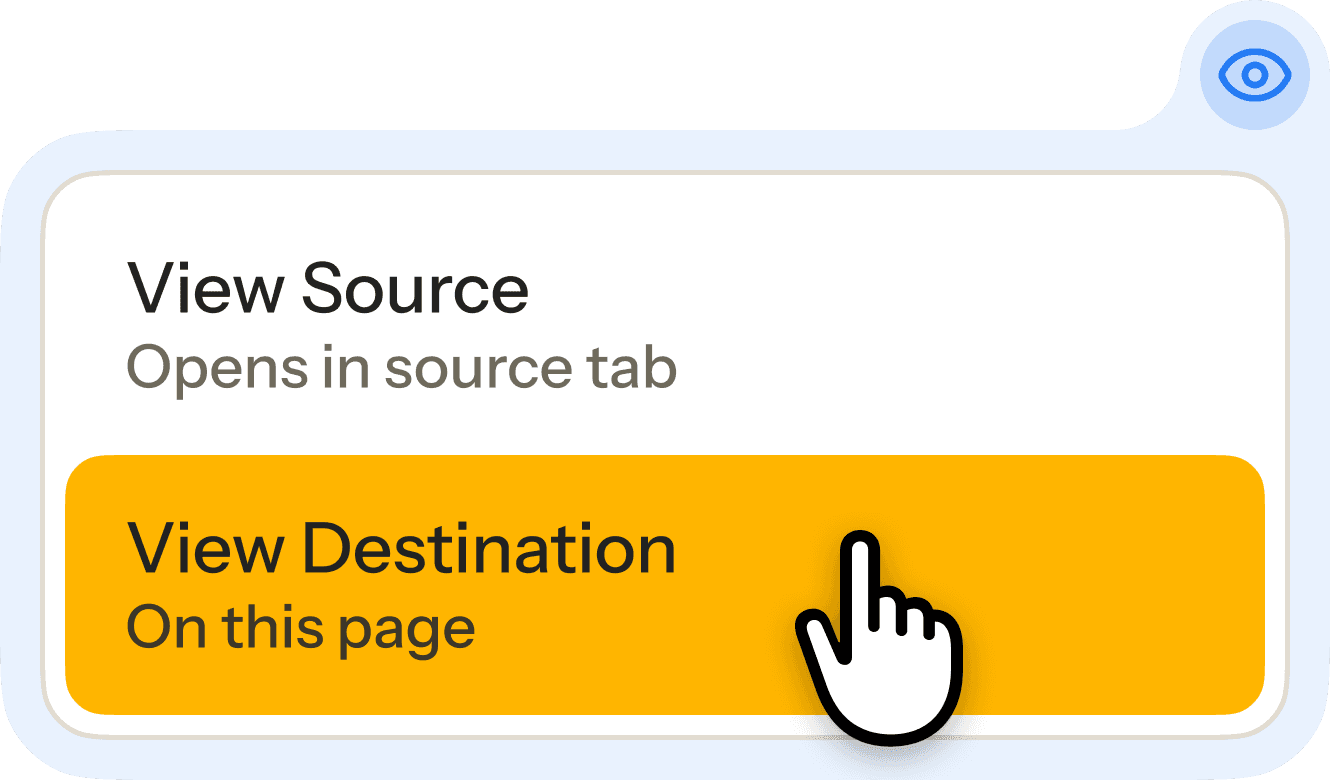
Trace CRF fields back to source data
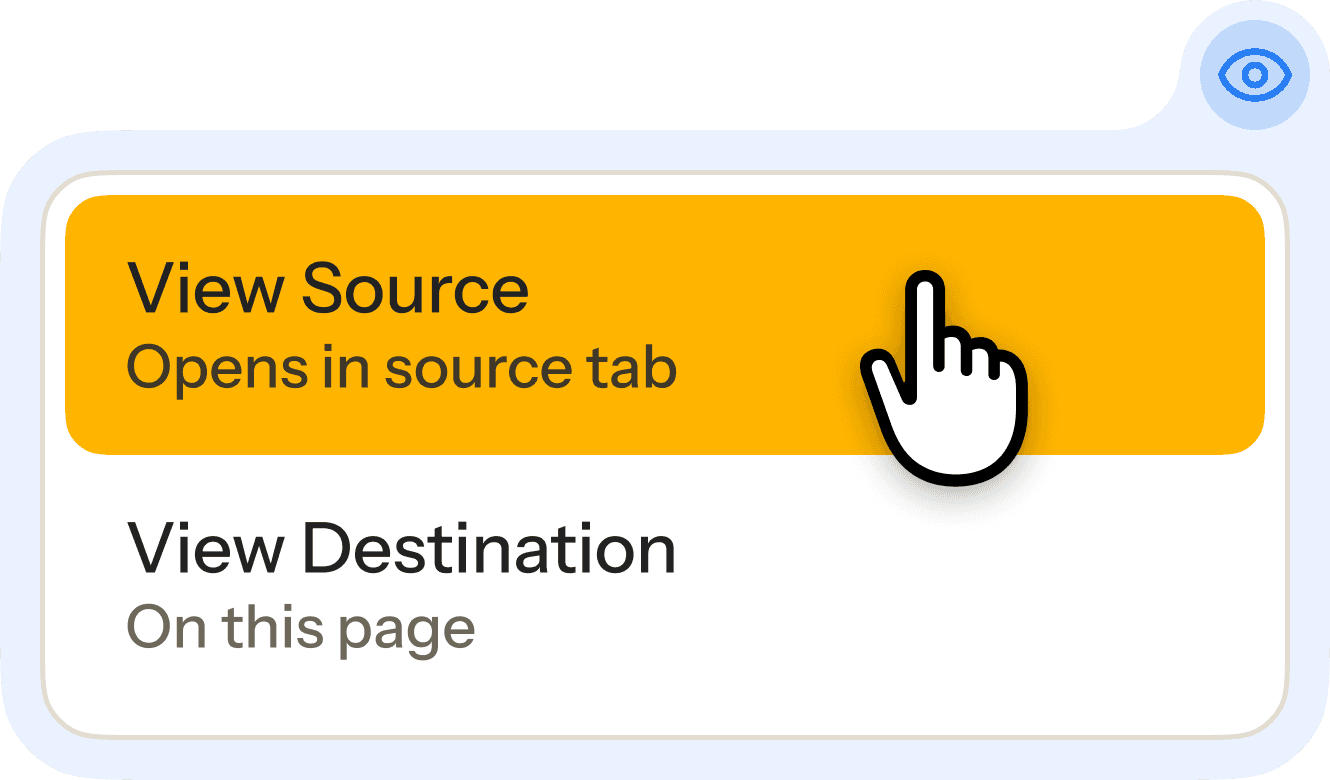
Need to check where that EDC value came from? Gleam makes it easy to reference source directly from CRF.
Pinpoint source data the in CRF
Easily double-check where Gleam’s source fields data was input on the case report form itself.
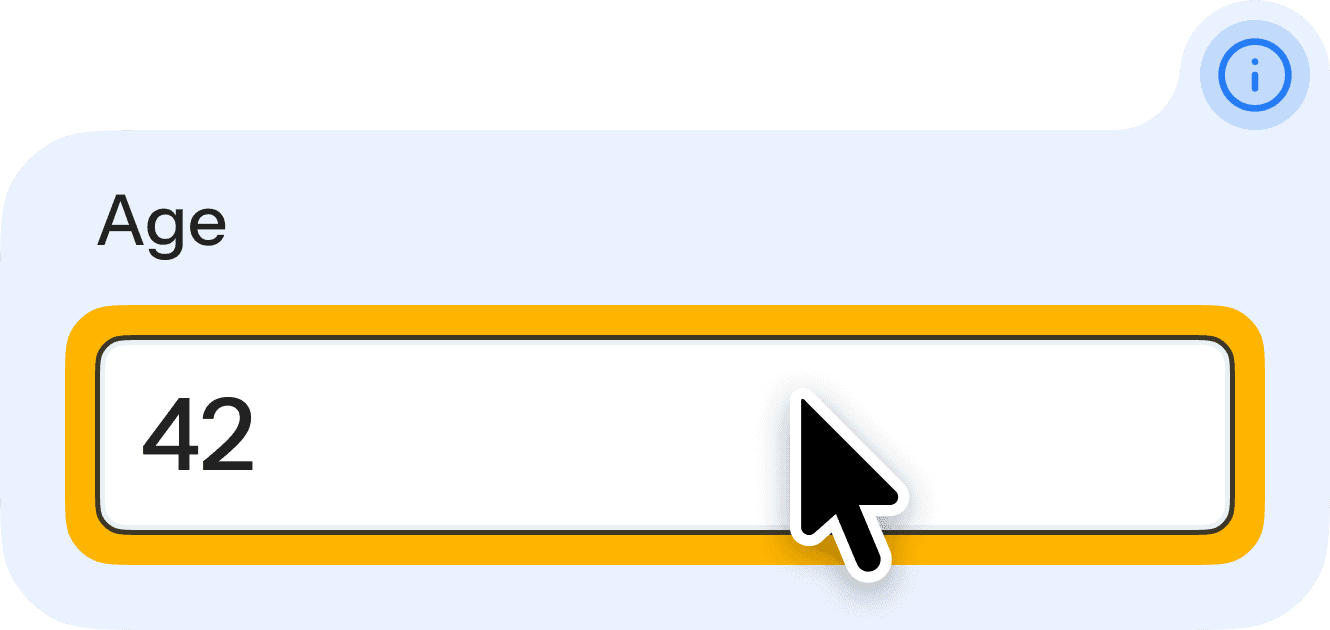
Hover CRF fields for instant details
Hover CRF data fields and the Gleam extension dynamically displays more details about the data.
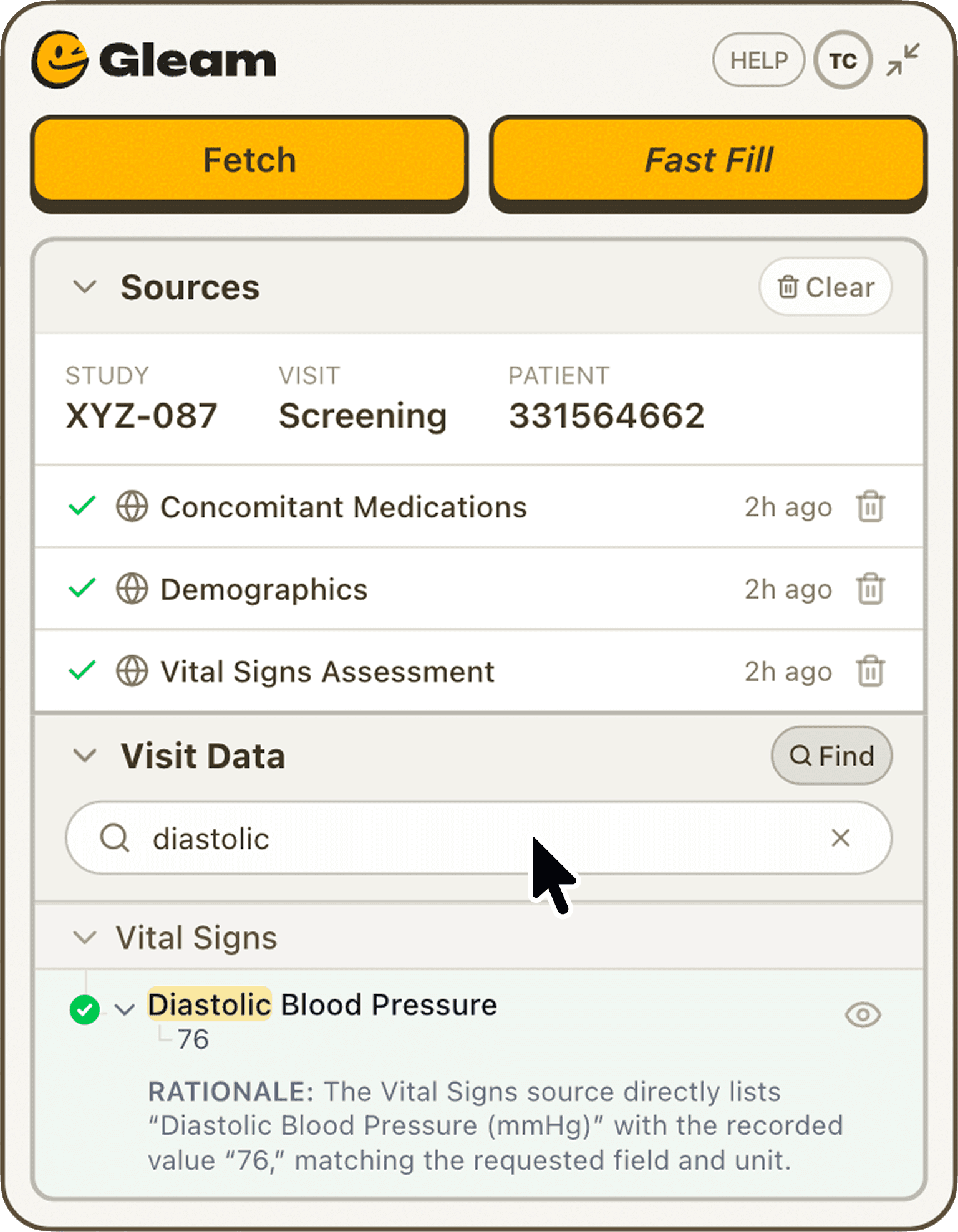
Find exactly what you’re looking for
Search by keyword to quickly filter source data.